Looking for an explanation on how to use snippets? Click here!
Introduction
You can control how long audio snippets will be stored for.
After the expiry date, the audio files will be deleted automatically.
By default, an audio snippet will be deleted 6 months after it was requested.
What snippets do I have?
If your role in the portal allows, you will see a menu item called Audio Snippets.
On this page you can select a group and get a list of all audio snippets for all sound measurement points in that group.

The right-most column shows you when the audio snippet is due for deletion.
Any audio snippets that will be deleted within the next 30 days are highlighted in yellow.
Changing the expiry date
Via the Audio Snippets page
Click on the expiry date (the right-most column) to bring up a dialog box:
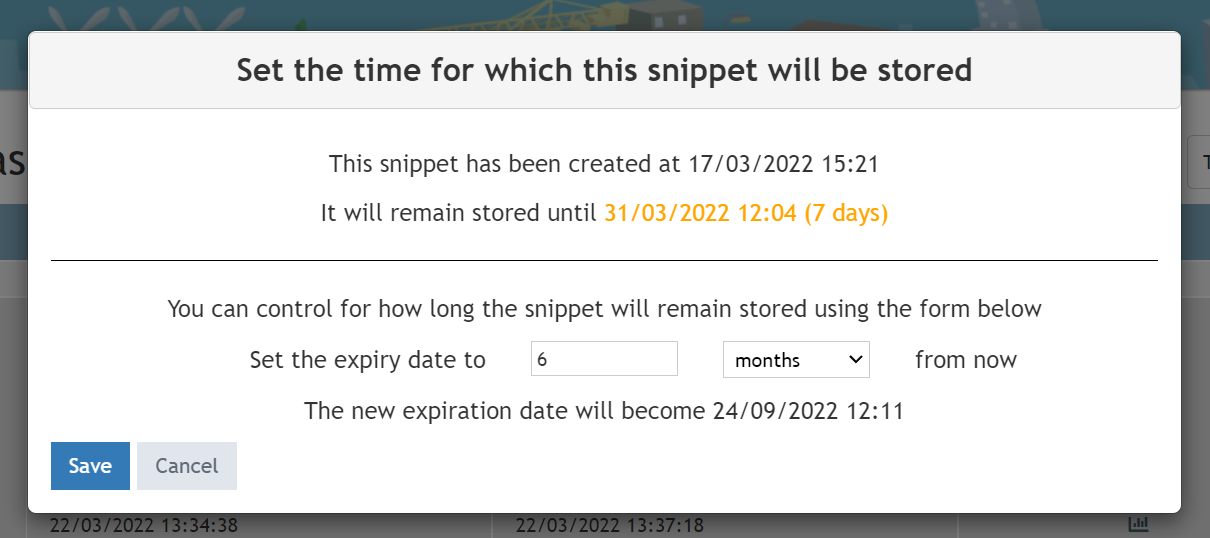
The top part displays the current expiry date (in this example 31/03/2022 12:04)
Use the bottom part of this window to set a new expiry date.
The new expiry date is relative from now.
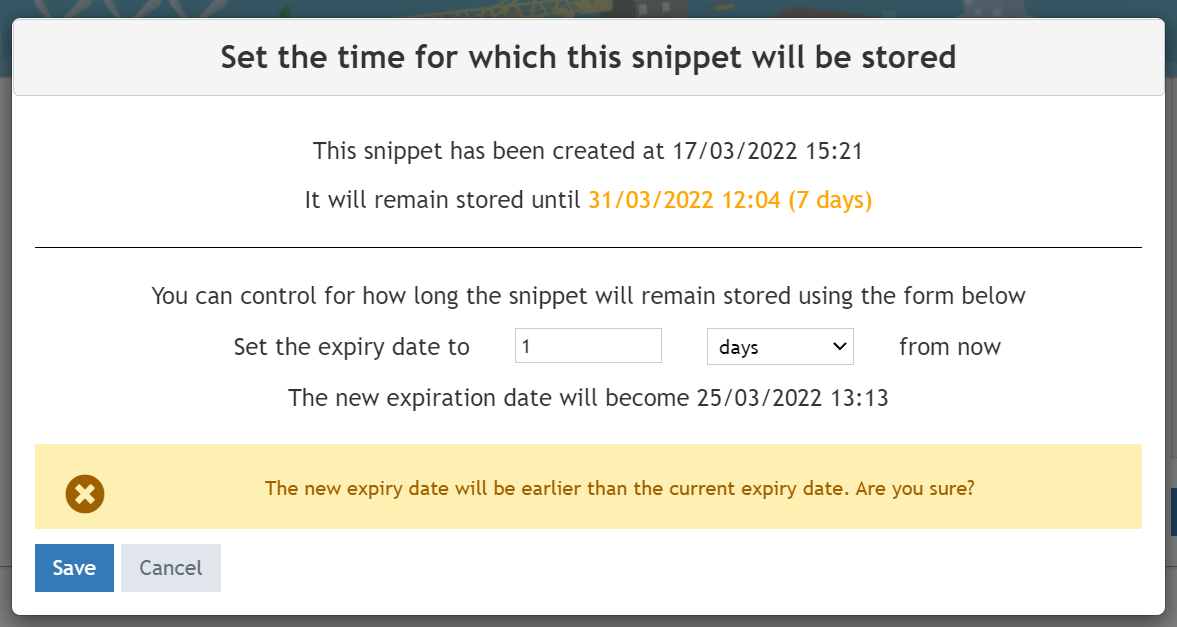
You can either increase the expiry date (which is usually what you want) or decrease it. In the latter case an additional warning will be displayed:
Via the Graphics page
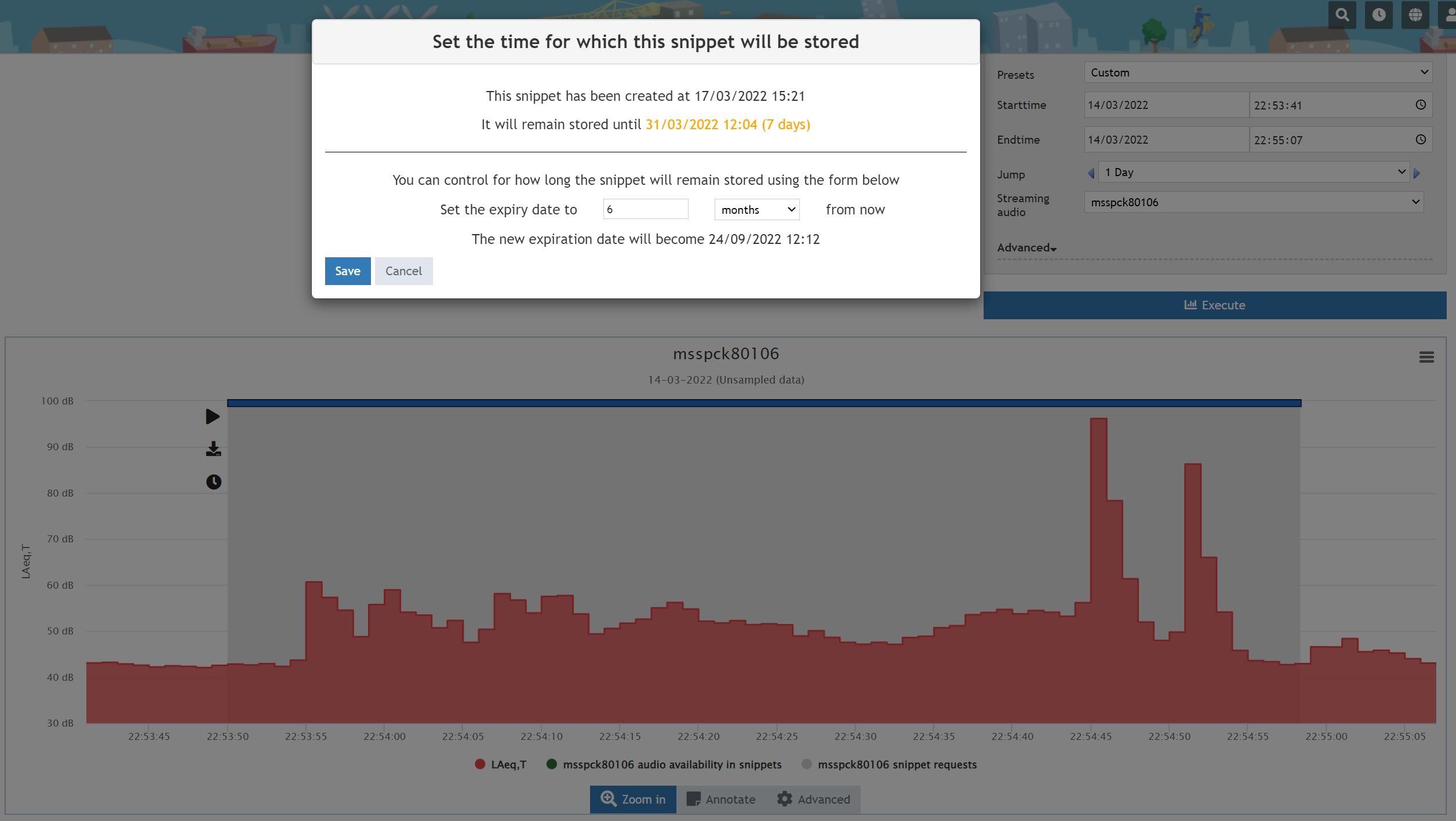
If you click on a snippet in the graph on the Graphics page, you can click on the clock icon to bring up the same popup. From here you can also change the expiry date of the selected audio snippet.
0 Comments