In the new Groundwater dashboard you can find the logbook widget. This widget gives an overview of the last executed actions regarding the selected object. With this widget you can also create (log) new actions. These actions are compatible with the Dutch "Basis Registratie Ondergrond" (BRO) where applicable. For these actions you can download a XML file that can be uploaded to the BRO.
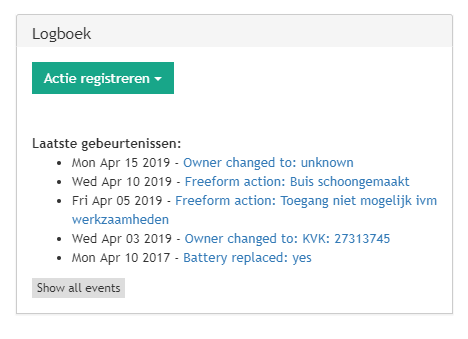
U can see an overview of the last 5 actions executed, if you want to see more you can click the "Show all events" button. A new page will be displayed with a complete overview of all actions executed. By closing this tab you will be returned to the dashboard again.
If you click on a specific action you will see the details. For example the actions "Change Owner":

Please keep in mind that it is not yet possible to upload corrections to the BRO. We do not recommend changing actions that are already uploaded to the BRO. In the future this will be supported.
By using the XML button you will get the XML data compatible with the BRO. Please upload this yourself.
If you want to log a new action click on the button "Actie registreren" / "Register action":
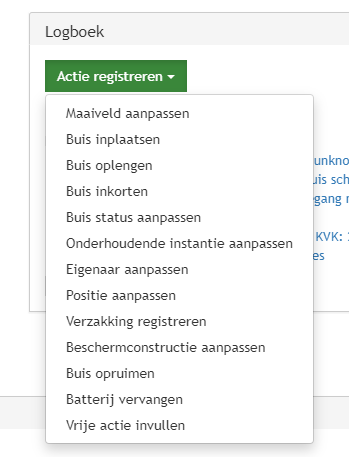
If you cannot find the correct action choose "Vrije actie invullen" / "Freeform action". Please do let us know if you want actions added, we can always investigate this possibility.
Differences with the 'old' interface
In the old interface you simple adjust a value (for example surface level). There is no room for a 'why' or 'how'. An other example: changing the well head. In the old interface you cannot enter if this is a shortening or a subsidence.
0 Comments