Introduction
The gateway (mszgi, mszgo, msnp) has its own web interface, which enables local diagnostics and configuration of mobile network parameters. There are two ways to connect to the web interface:
- If the gateway is equipped with an Ethernet port you can attach the gateway with an Ethernet cable to your local LAN. It request for a dynamic IP address. Once obtained one can access the gateway via this IP address. Only our mszgi (indoor gateway) has standard support for a direct Ethernet cable.
- If the gateway is equipped with a WiFi interface, this interface will act as a WiFi access-point. You will find the WiFI SSID (name) on the card delivered with the gateway. This also has the WPA-Key (password) to be used. Use these credentials to access the WiFi.
Your computer/tablet/phone will show the WiFi like any other WiFi network.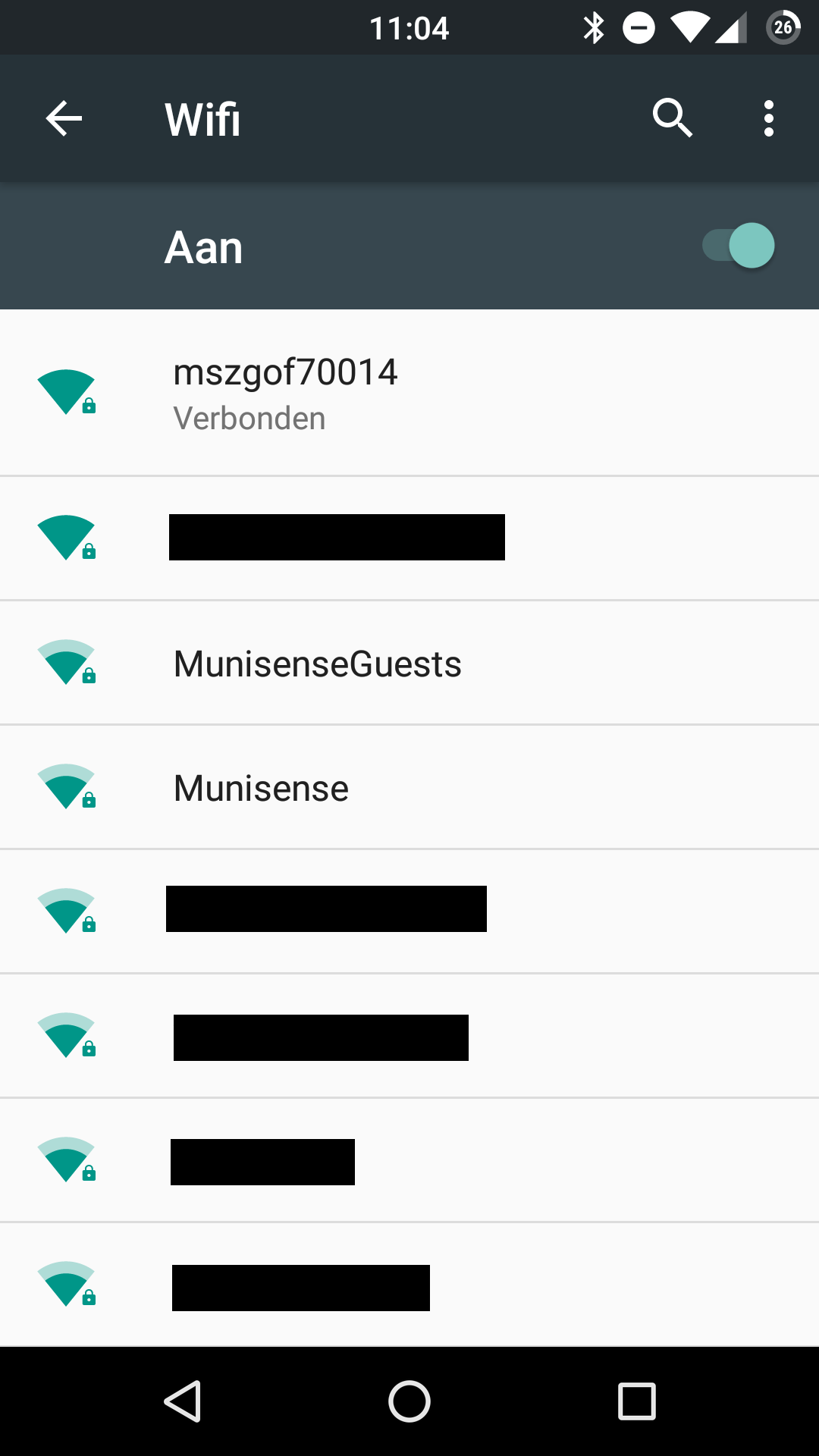
Visit the following URL to gain access to the web interface:
- http://gateway
If that does not work please try one of the following URLs:
- http://gateway.gateways.munisense.net
- http://172.22.16.254
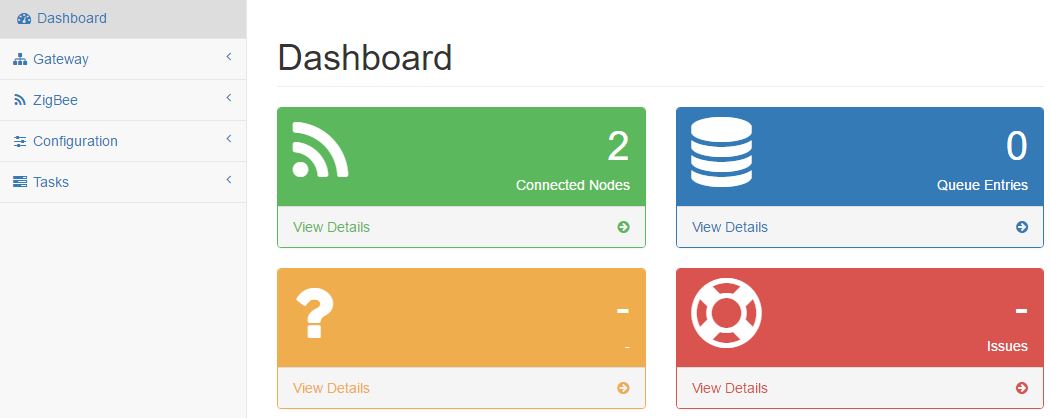
Once connected the dashboard page as below will be shown.
Setting the mobile operator parameters.
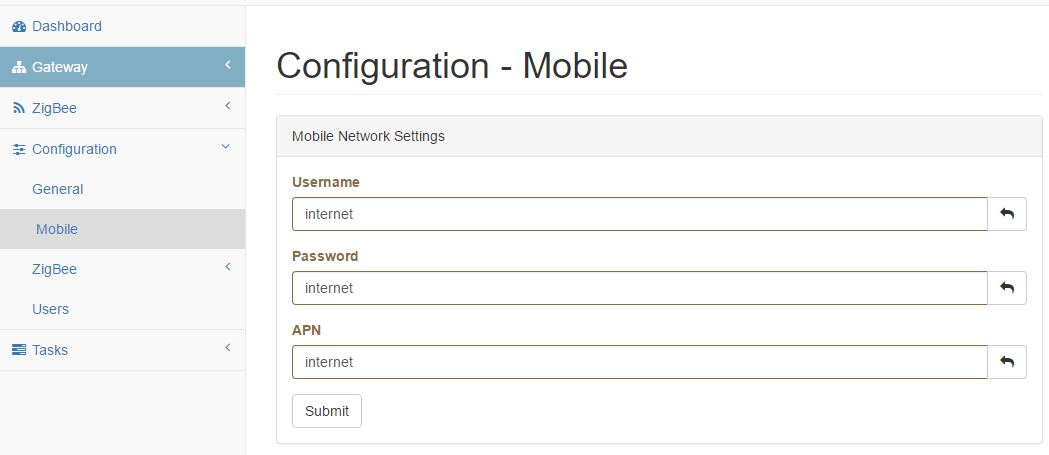
Select configuration>mobile. You will get the configuration-Mobile page as shown below. Here you can configure the mobile network parameters as Username, Password and APN name. You should get these listings from your mobile operator. More information about the Mobile settings can be found in this article.
0 Comments