Each attribute (LAeq, water level, light level, etc) can have a color range, which will generally already be defined. When an attribute is chosen for display in the timeline which does not have a defined color range, all data points will be shown in gray.
To define a color range for an attribute, or change an existing range, go to Admin -> Attributes and select the view of the attribute you want to edit.
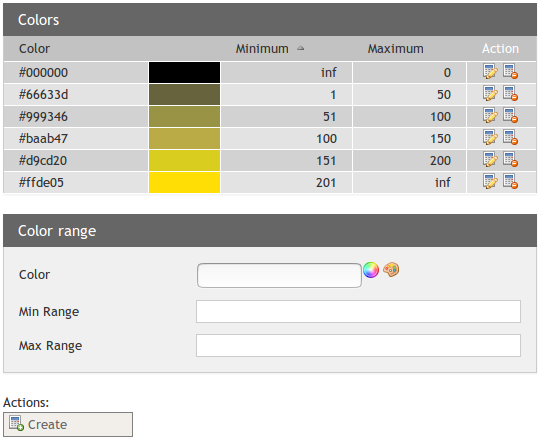
To edit an existing range item, click the corresponding Edit button. Creating a new one is done by filling in the input fields and pressing the Create button. When all values below or above a certain value need to be shown in the same color, leave the corresponding input field empty. This will show "inf" in the table, meaning all other values will be shown in that color.
0 Comments